Talk it through
Call your coach. It answers out loud.
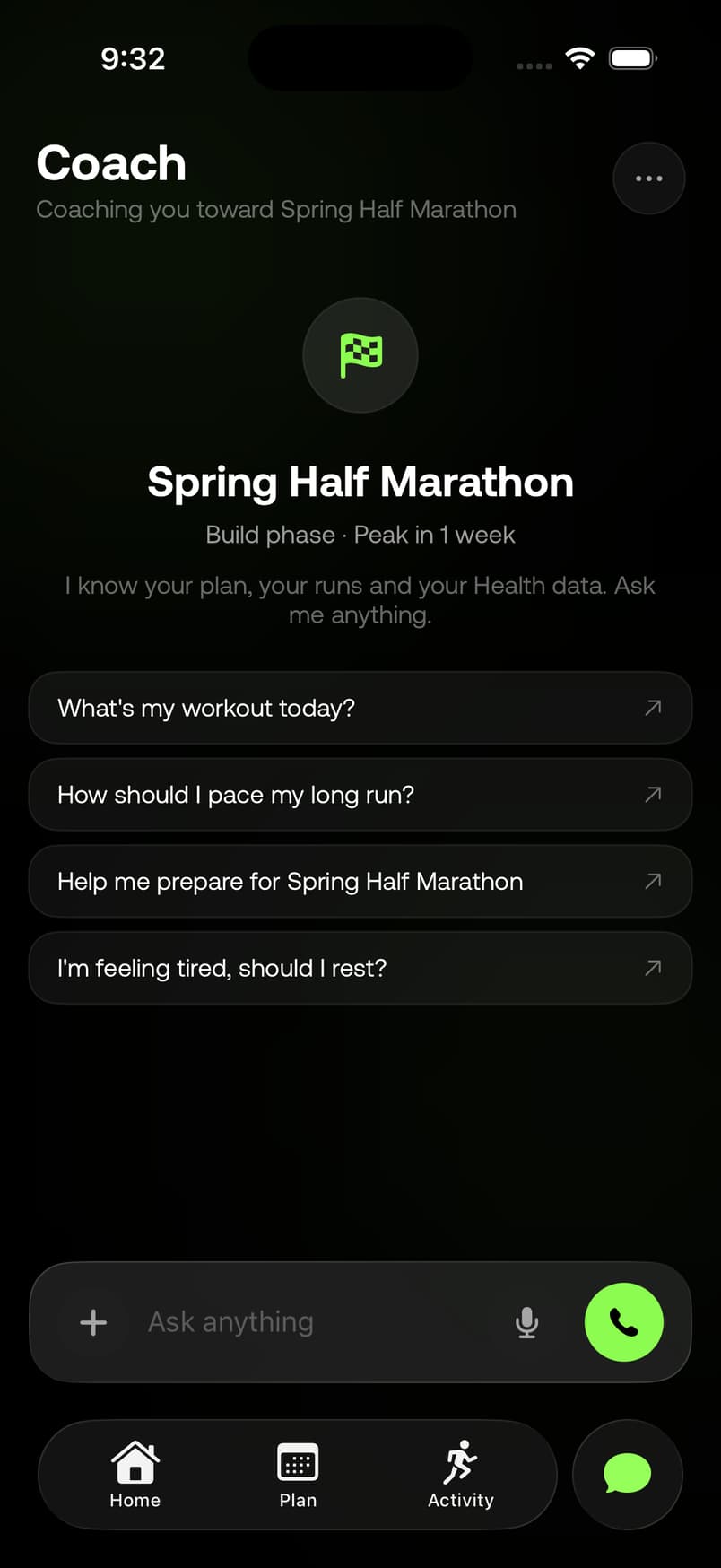
Tap the phone in the Coach tab, or say “Hey Siri, talk to my coach in Runsy.” It answers in about a second, changes your plan while you talk, and stays on the line with your phone locked.
Part of Runsy Pro · iPhone and iPad
Runsy is an iPhone and iPad app. The plans and calculators on this site are free on any phone.
- You
- My left calf has been a bit tight this week.
- Coach
- Okay, let’s treat that calf tightness carefully and keep you running smart. Keep today easy and skip the tempo if it changes your stride. If you feel sharp pain, swelling, or bruising, get it checked.
- You
- So for the tempo today, should I still do the full 5K at pace?
- Coach
- No, not with a tight calf. Keep the easy parts easy, then do a very short steady effort, like eight to ten minutes, and stop if it grabs or changes your stride.
From a test call, lightly trimmed.
The same coach
Talk to it like a coach. It answers like one.
The coach on the call is the one in your chat, with the same plan, the same memory and the same tools. It knows your week, your runs and what you’ve told it, so you can skip the background and just say what’s going on.
Like any call
Say the word. Then lock your phone.
From Runsy 1.1.6, a call with your coach works like any other call on your phone.
Lock your phone, keep talking.
The call is on your Lock Screen, where you can mute or hang up.
Switch apps mid-call.
It waits in the Dynamic Island while you check a map or a message.
Speaker, AirPods or your car.
Wherever your phone calls already go.
Hey Siri, talk to my coach in Runsy.
While you talk
Ask for a change. Hear it done.
It can move a run, add a rest day or change your plan, and answer questions about your week or a run. Anything permanent, like deleting a race, it asks you to confirm out loud first.
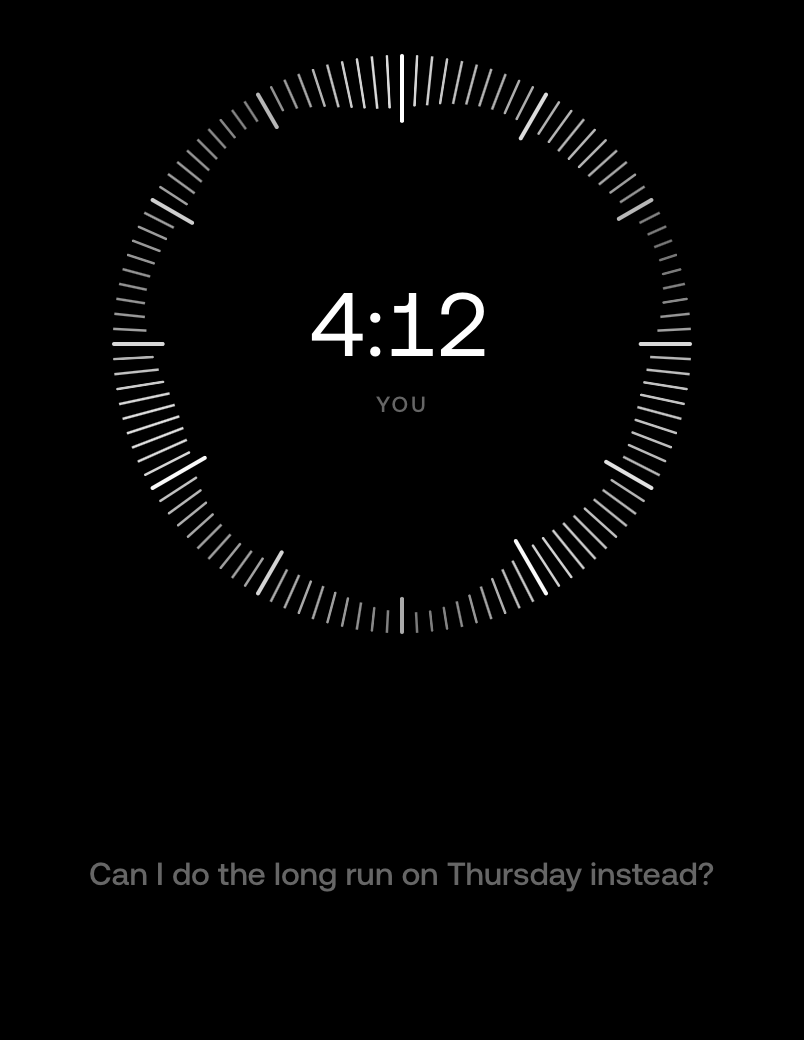
You ask
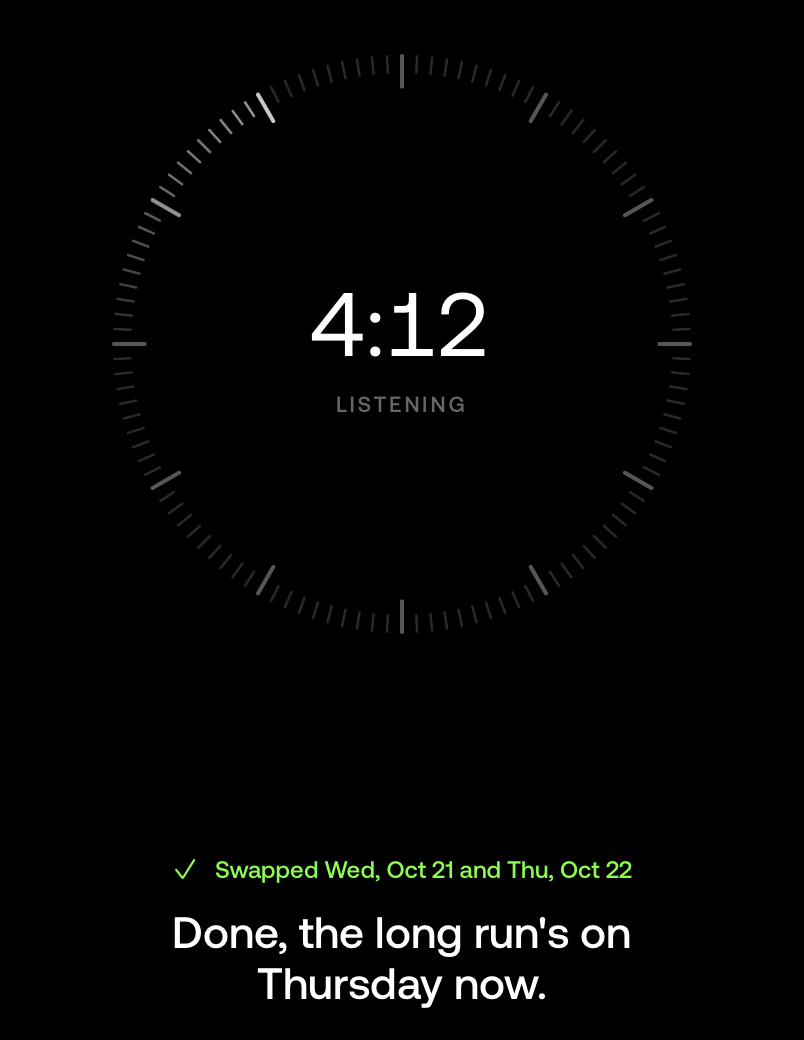
“Can I do the long run on Thursday instead?” The dial moves with your voice.
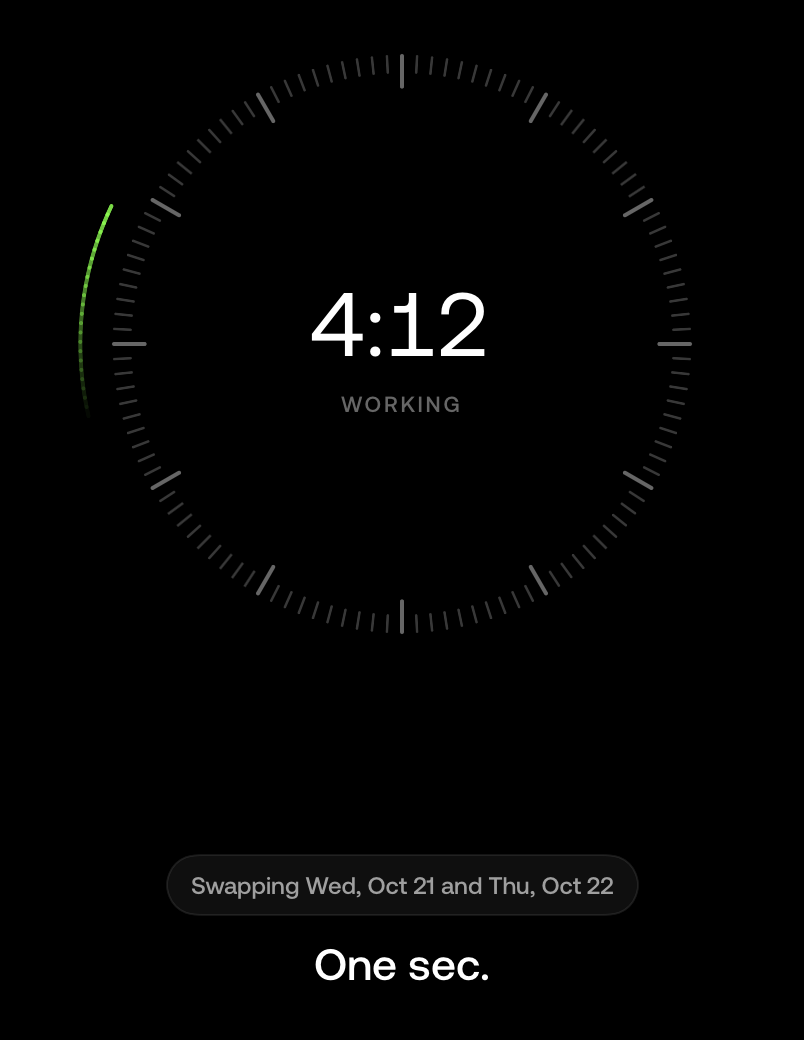
It makes the change
It says what it’s doing as it does it: swapping Wednesday and Thursday.
It tells you it’s done
“Done, the long run’s on Thursday now.” A tick on screen confirms the swap.
When you hang up, what you both said is in your coach chat as text, and any change to your plan is there too, with an Undo.
On the line
It tells you when it can’t hear you.
The dial moves when you speak, so you can see you’re being heard. When something gets in the way, the call says so on screen, and usually offers the fix.
- The coach can’t hear youUnmute
You’re talking while muted. Muting stops your audio being sent, so the call tells you rather than let you talk to no one.
- No sound from your micRestart mic
Nothing is coming in from the microphone. On a headset, it offers the iPhone’s mic instead.
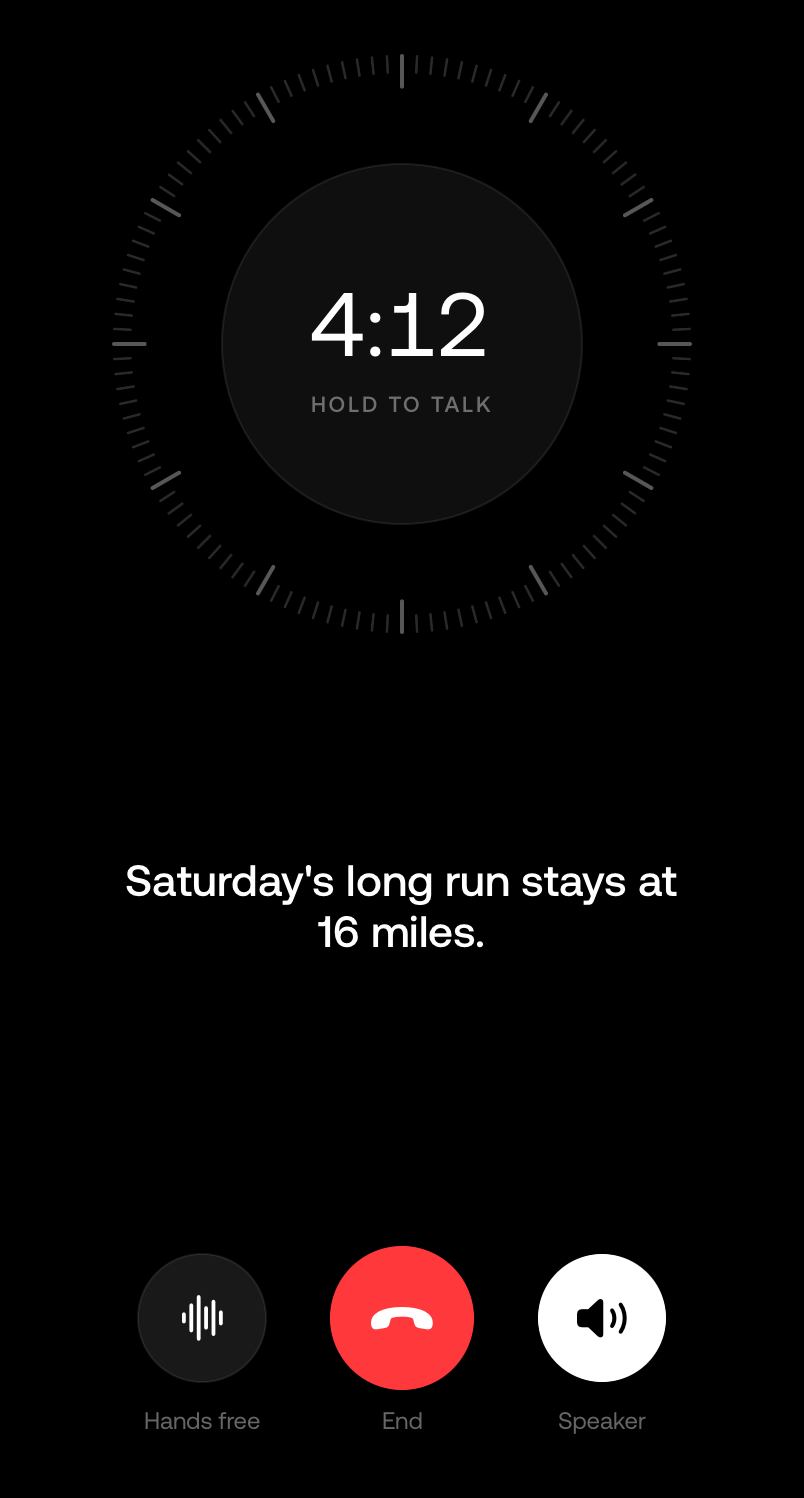
- Noisy where you are?Hold to talk
Too loud to hear you cleanly. Hold to talk stops background sound cutting in.
Lost the line for a second. Getting it back…
A dropped line. It reconnects by itself.
You still there?
The coach checks in after 30 seconds of quiet, and says goodbye and hangs up after two minutes of silence.
Hold to talk
In a loud place the dial becomes a button: hold it while you speak, let go to listen. Hands free switches back, and End and Speaker stay where they are.
What happens to your voice
On a call, Runsy streams your speech in real time to one of its AI providers, named in our privacy policy, so the coach can understand you and answer out loud. Runsy does not record or store the audio. What you and the coach said is saved to your coach chat as text, like a typed conversation. Muting stops your audio being sent, and your first call explains all of this before your microphone is used.
What you need
- Runsy Pro. Calls come with the subscription, like the rest of the coaching.
- Coaching turned on. The AI consent you agree to in the app, which names the providers and what they receive.
- Runsy 1.1.6 or later on an iPhone or iPad, and a connection.
Your coach is a tap away.
Ask about your week, move a run, or tell your coach how it went. Out loud.
Runsy Pro US$12.99/month or US$79.99/year
7-day free trial for eligible new subscribers
iPhone and iPad