Widgets
Today’s run, one look away.
Today’s run in the middle of your week, a countdown to race day, the whole week at a glance and a one-tap call, on your Home Screen and Lock Screen.
New in Runsy 1.1.6 · iPhone and iPad
Runsy is an iPhone and iPad app. The plans and calculators on this site are free on any phone.

Today
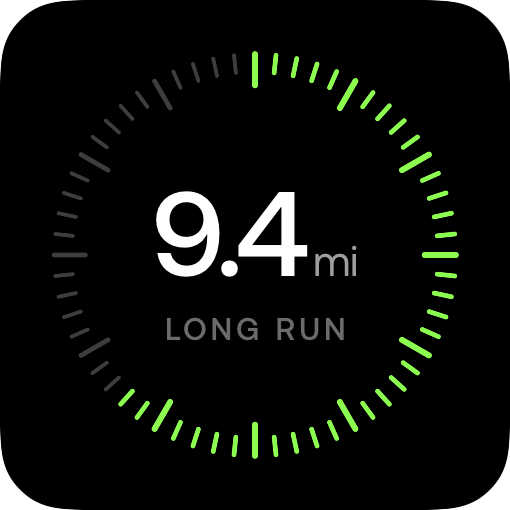
The ring is your week. The middle is today.
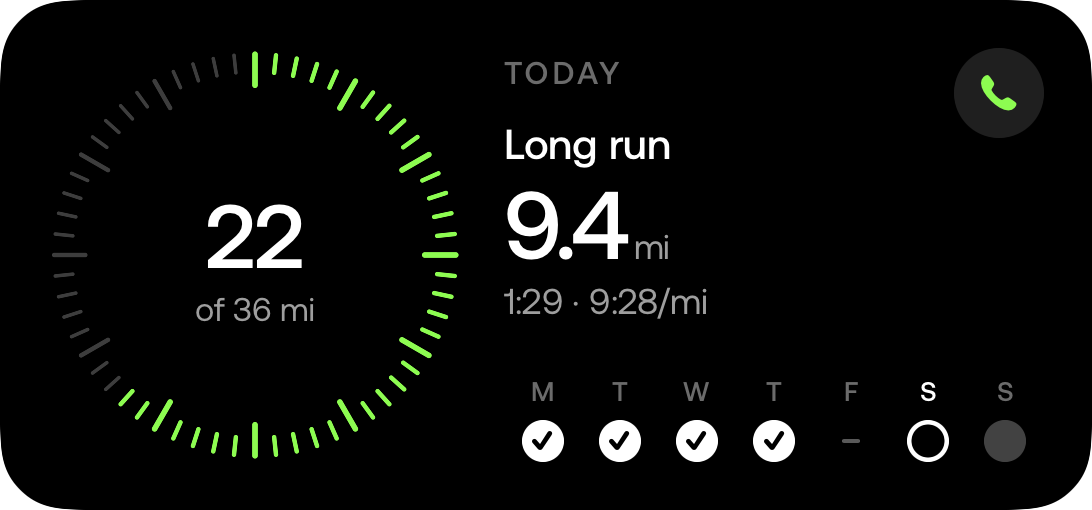
The ticks light up as the week’s distance gets done, so a glance says how the week is going. In the middle, today:
This week
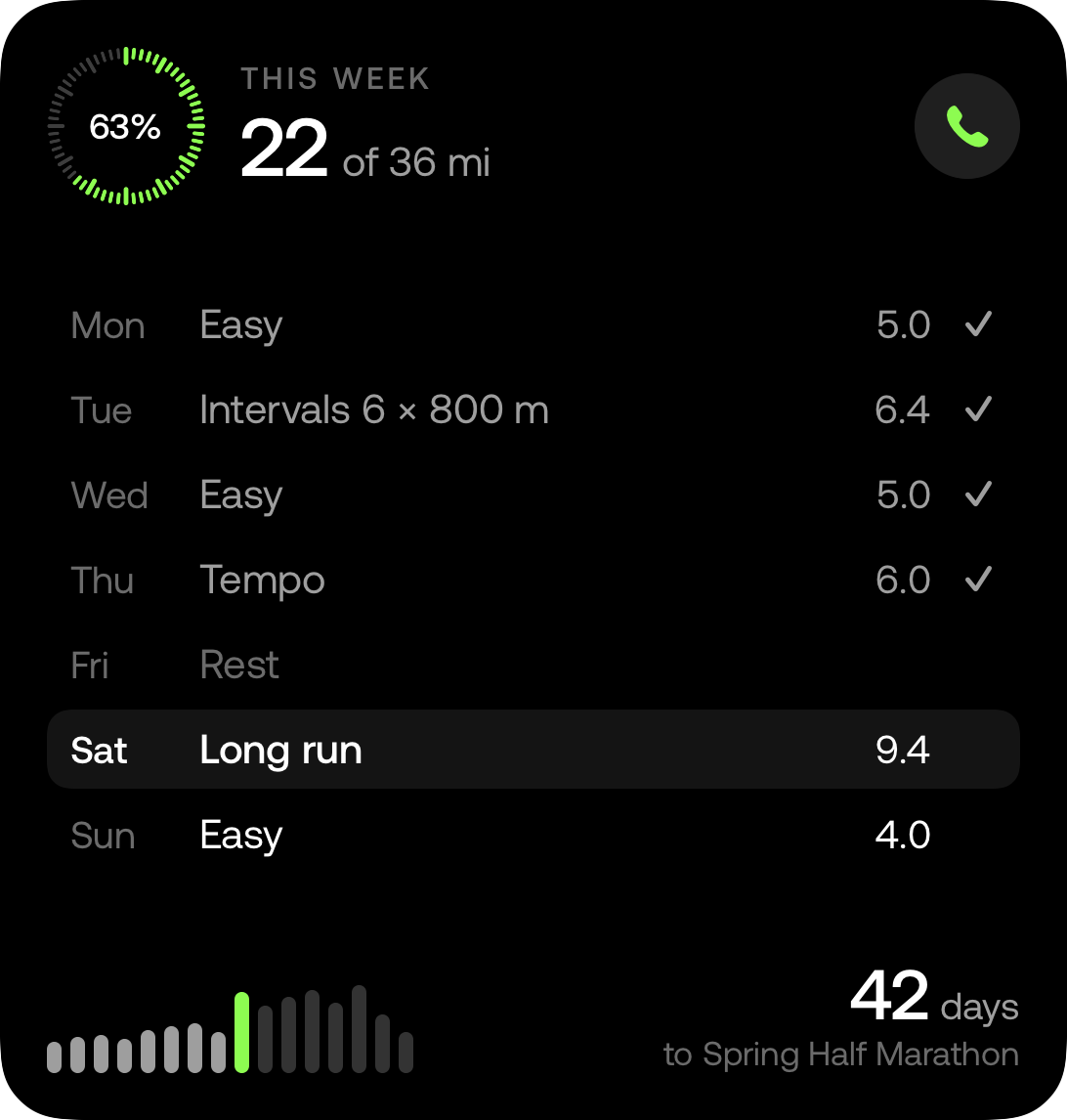
The whole week. The season behind it.
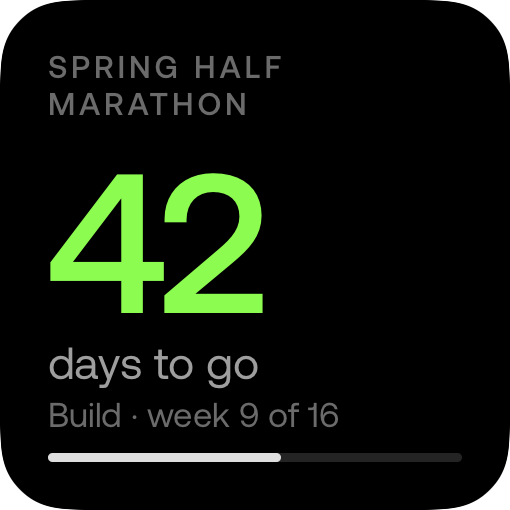
The large widget lists the week day by day and ticks off what you’ve run. Under it, the season’s weekly distance builds toward your race, with the days left beside it.
The medium one puts today beside the week’s ring, with the week’s days under it and a phone to call your coach.

Lock Screen
Before you unlock. Today, and the week.
The week’s ring, the days to your race, and today’s run with a bar for the week, or a button to call your coach. A line above the date says what today is.
Add them to your Home Screen
Add them to your Lock Screen
Know today before you open the app.
Add the widgets once, and today’s run is on your Home Screen every morning.
Runsy Pro US$12.99/month or US$79.99/year
7-day free trial for eligible new subscribers
iPhone and iPad